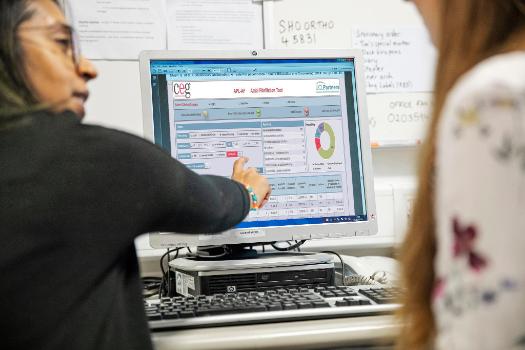
APL-Renal
APL-Renal highlights critical falls in renal function and helps GP practice teams to manage their patients with early or late chronic kidney disease (CKD).
How it works
Practices run a single search in their clinical system and import the results into the tool to:
List all adults with key indicators of CKD and filter the list into cohorts to take action
- Identify patients for follow-up for overdue measures
- Export a list of patients to send appointment messages, or key information to send with a referral
- Improve CKD coding for accurate disease registers
Review critical falls in eGFR or uncontrolled blood pressure
Tailor their approach
- See eGFR trend over time, urine ACR and medications for each patient
Practices using the East London Community Renal Service can incorporate the tool into their processes for this. (APL-Renal replaces CEG’s former ‘Falling eGFR trigger tool’).
User guides
APL-Renal - User Guide for EMIS Web [PDF 581KB]
APL-Renal - User Guide for SystmOne [PDF 445KB]
If APL-Renal does not function as you expect, follow these steps to ensure 'macros' are enabled: How to troubleshoot Excel files - enabling macros [PDF 461KB]
APL-Renal demo: EMIS
Pritt Kallah demonstrates how to use CEG's APL-Renal tool with EMIS Web. SystmOne practices should follow the instructions in the PDF user guide to run the report, then watch the video from 3mins onwards re using the tool - these steps are the same in both clinical systems.