
Mentimeter new AI features
At a recent Mentimeter webinar, members of the TEL Team learnt about some useful new features in Mentimeter.
/filters:format(webp)/prod01/channel_389/technology-enhanced-learning-team/media/telt/images/Mentimeter-Logo-T4.png)
At a recent Mentimeter webinar, members of the TEL Team learnt about some useful new features in Mentimeter, using AI.
We were introduced first to a new feature called AI Question Suggestions. This feature is enabled in our licence of Mentimeter so staff at QM can start using it straight away! This feature allows you to type a topic of your choosing, and the AI will suggest questions and question slides to use.
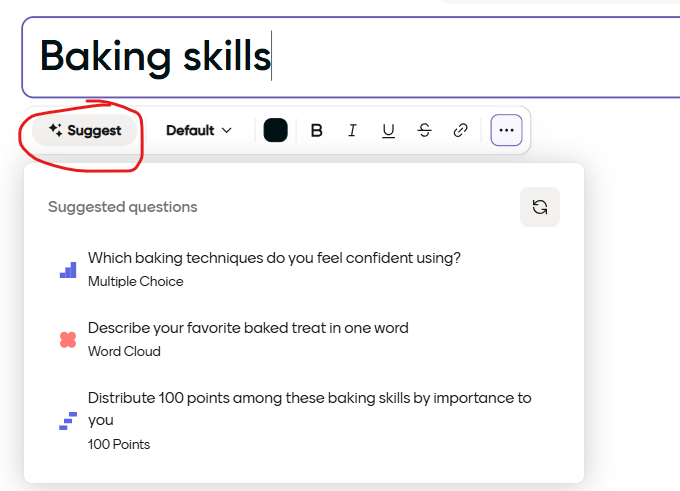
New - Menti AI suggestions
Things to note: there are 2 slide types where this feature will not work - Select Answer and Type Answer - these are quiz slides. The AI Question Suggestions work on all of the interactive slides however.
For more information about creating Mentimeter slides with AI question suggestions, have a look at this help article.
AI Menti Creator
We also had a look at another AI feature - AI Menti Creator. This is another new feature which is already enabled for QM staff. It is a chat-based assistant designed to help you build valuable Mentimeter sessions quickly and easily.
You can find the AI Creator on your Mentimeter dashboard - "Start with AI".

Create new Menti with AI screen shot
Have a look at this article for more information about how to use the AI Menti Creator.