Quick Start Guide for Managed COPE Devices
This summary of the quick start guide will help familiarise you with some of the features and changes of Windows & applications alongside working policies & processes that can assist with safe and productive working.
Before You Begin
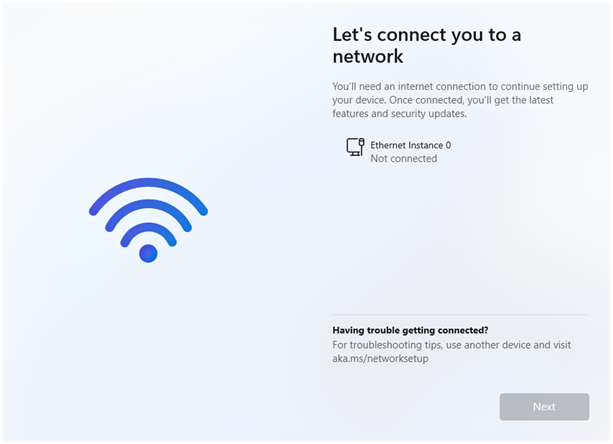
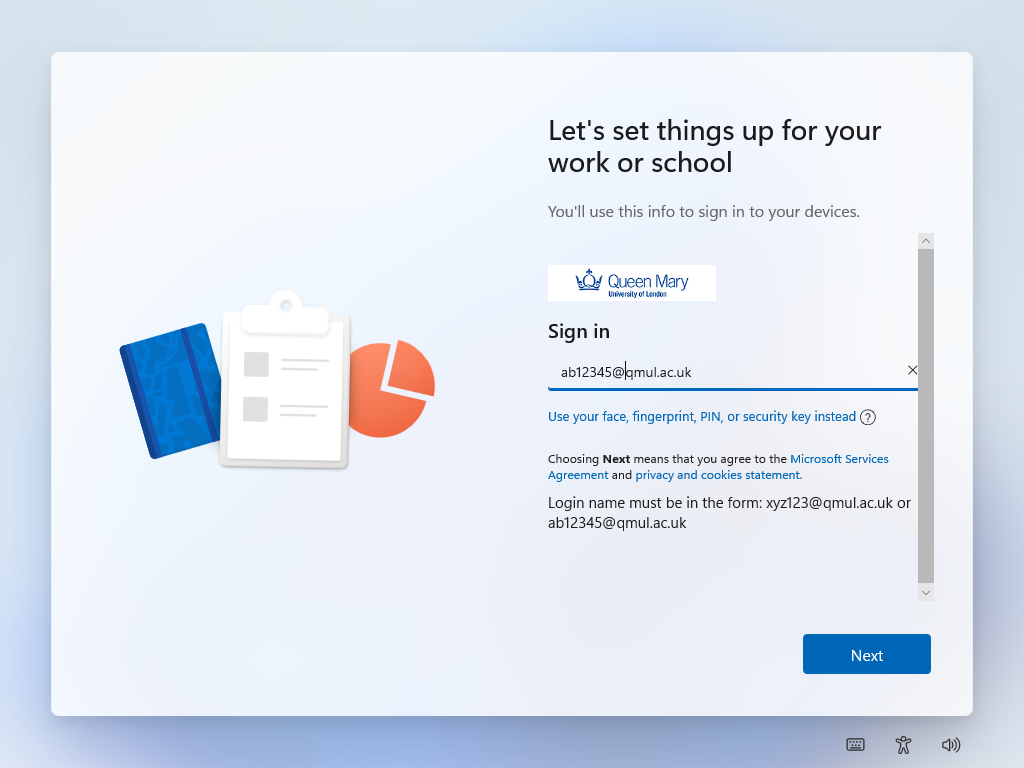
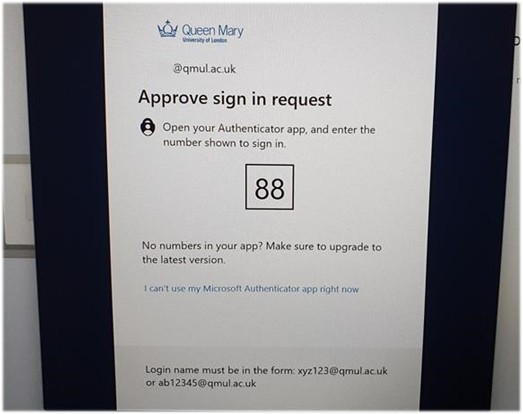
You should hopefully have your fresh and ready QMUL laptop with you. You should also try to keep it plugged into a power source through the initial set up period, particularly during updates. If you’re new to QMUL, your account should be confirmed as ready by IT Services via your manager. This means you have multi-factor authentication (MFA / 2FA) enabled and accessible on your phone or an alternative authenticator.
If your MFA is not yet configured, please consult the relevant ITS Self-help Page.
You should also make sure you’re still familiar with the latest iterations of the ITS Policies, particularly IS01 - Information Security & Acceptable Use Policy
Getting to the Desktop