
NVivo
Description
NVivo is a qualitative data analysis (QDA) computer software package produced by QSR International. It has been designed for qualitative researchers working with very rich text-based and/or multimedia information, where deep levels of analysis on small or large volumes of data are required. NVivo is a platform for analysing all forms of unstructured data. Quickly interrogate data using powerful search, query and visualization tools. Get the big picture or get into the detail. Uncover subtle connections, rigorously justify findings, and effortlessly share your work.
Authorization Code(s)
Please email: servicedesk@qmul.ac.uk to obtain the product license key.
How to access this service
For personal devices, the software can be downloaded here.
For QM managed device, please raise a ticket on self-service portal
Steps to install Nvivo
1. In order to download NVivo, navigate to https://lumivero.com/buy-now/nvivo-getting-started-bundle/,
2. Click on "Customer Login" top right corner,
3. Select "Sign in to Lumnivero”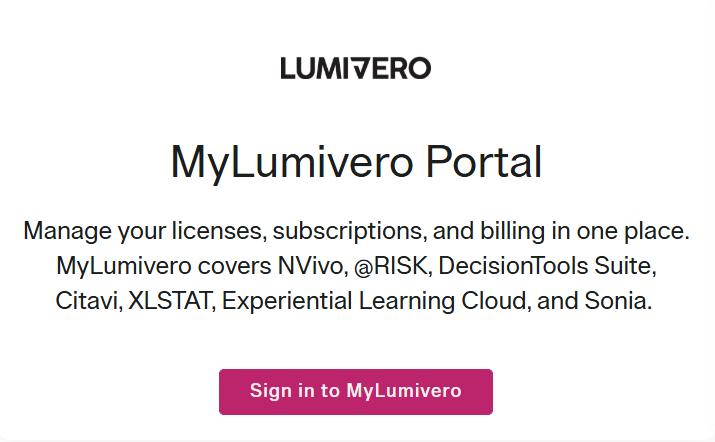
4. On the sign in page click on 'Sign up now'

5. Add your email address, and input the verification code that you receive
6. Create your account
7. On the next page, for the Country choose United Kingdom; I plan to use Lumivero solutions for – myself; Are you affiliated with academic or corporate entity – yes; add QMUL website – https://qmul.ac.uk/ 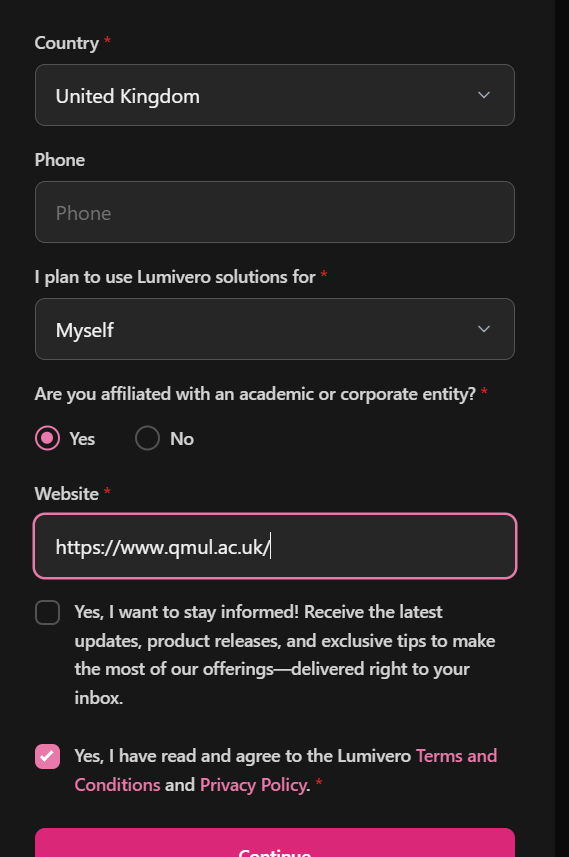
8. After creating the account, go to Download Apps and install Nvivo 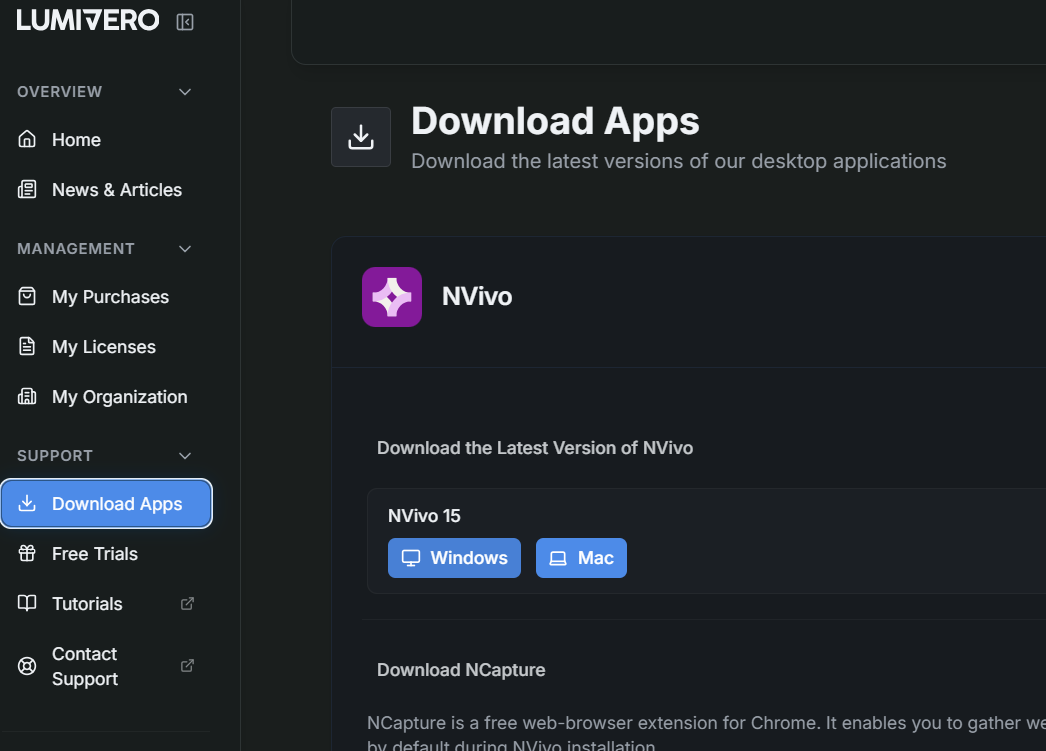
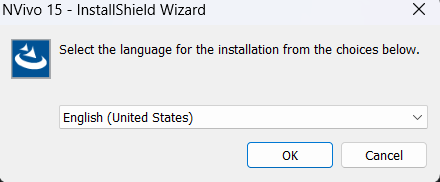
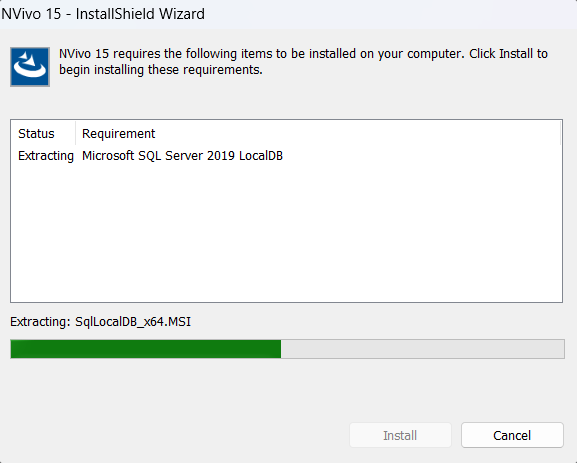
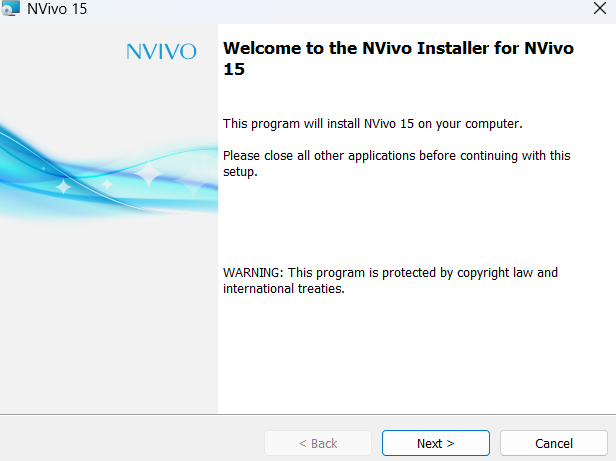
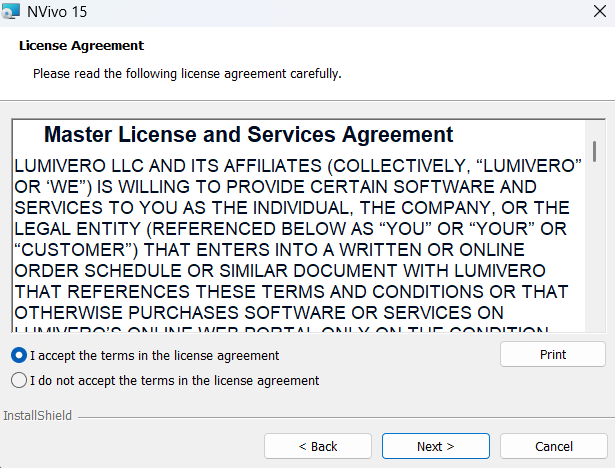
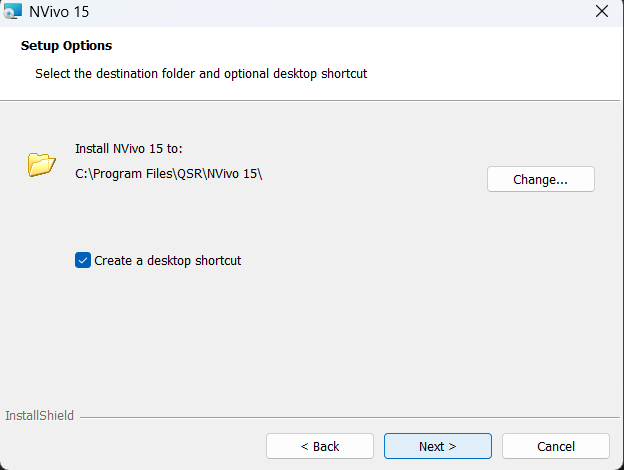
Note: If you do not wish to create a desktop shortcut, untick the option
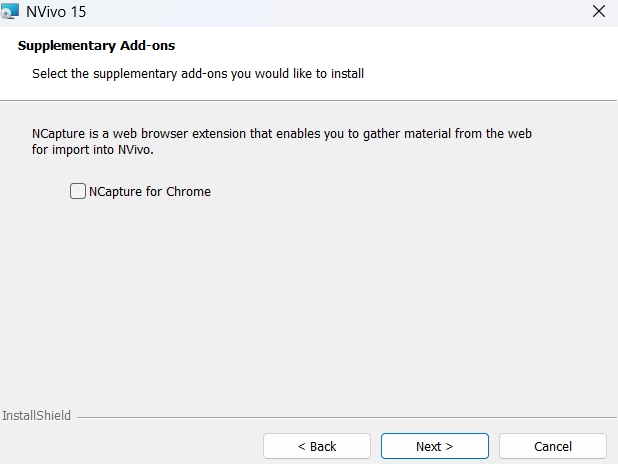
Note: If you wish to install NCapture for Chrome, tick the option
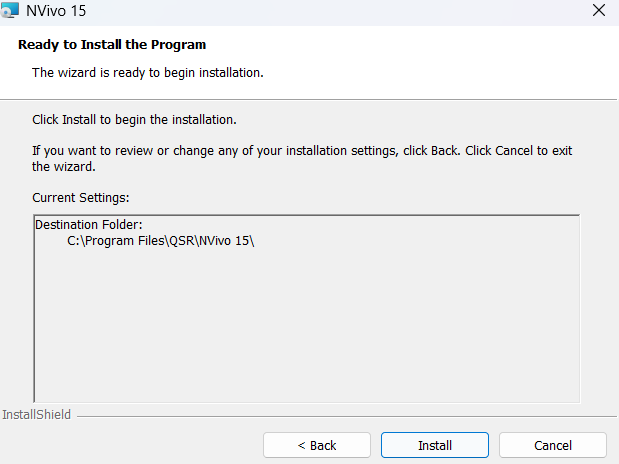
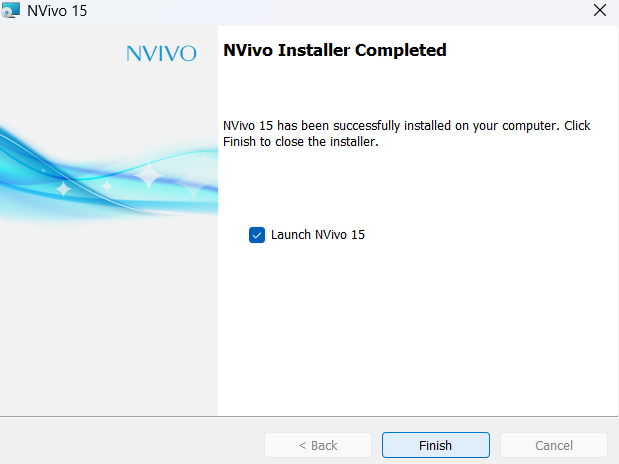
10. Once application is installed, launch NVivo. At the first window that shows up, choose ‘or provide enterprise key to activate’ 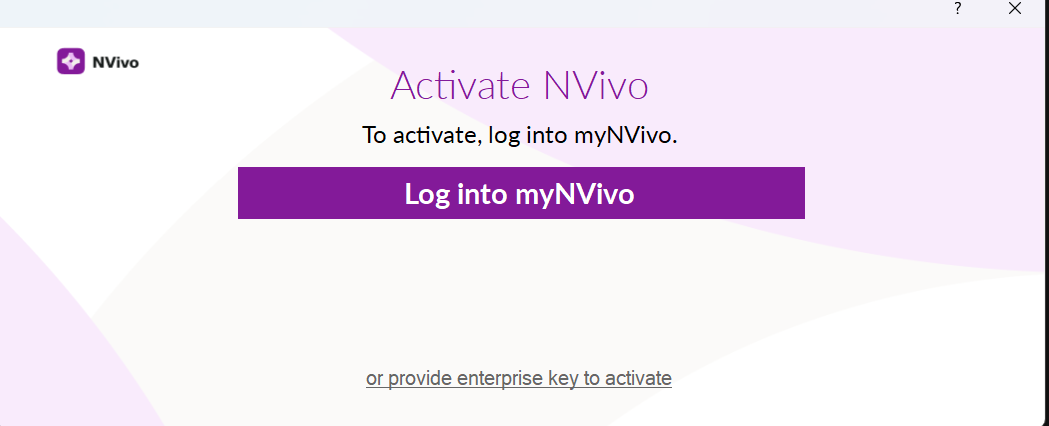
11. On the next page input activation keys provided by Service Desk, agree to terms and conditions and lick on Next
12. On the next page input the necessary fields (name, email, and country)
13. Finally Input your name and initials and start the application 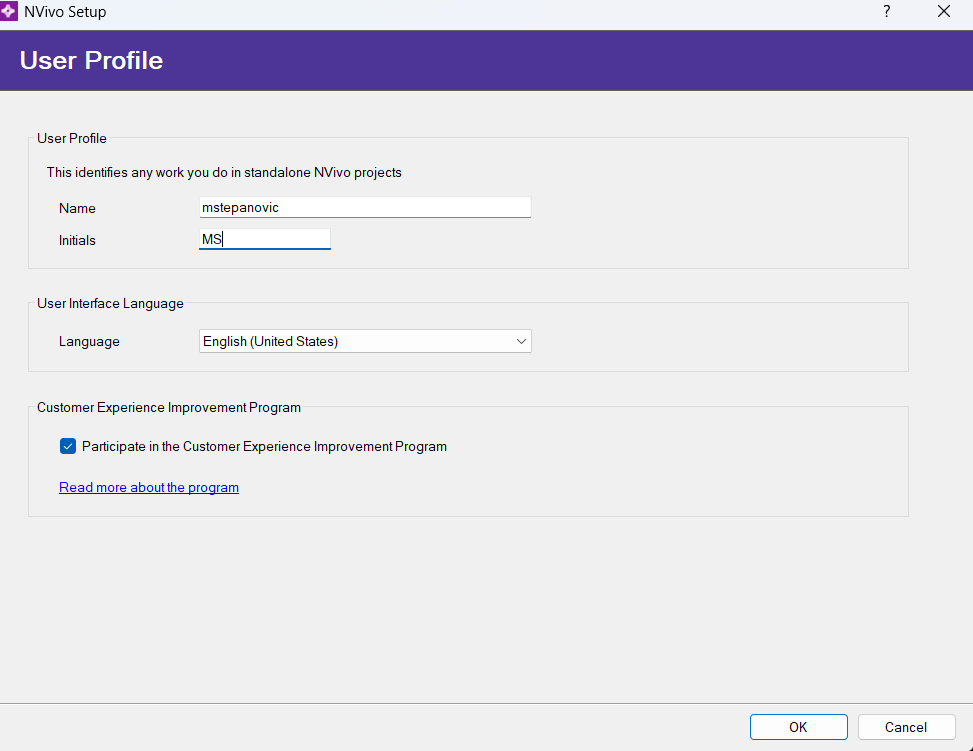
You can now begin using the NVivo 11 application.